Forge
How does live coaching adapt my workout?
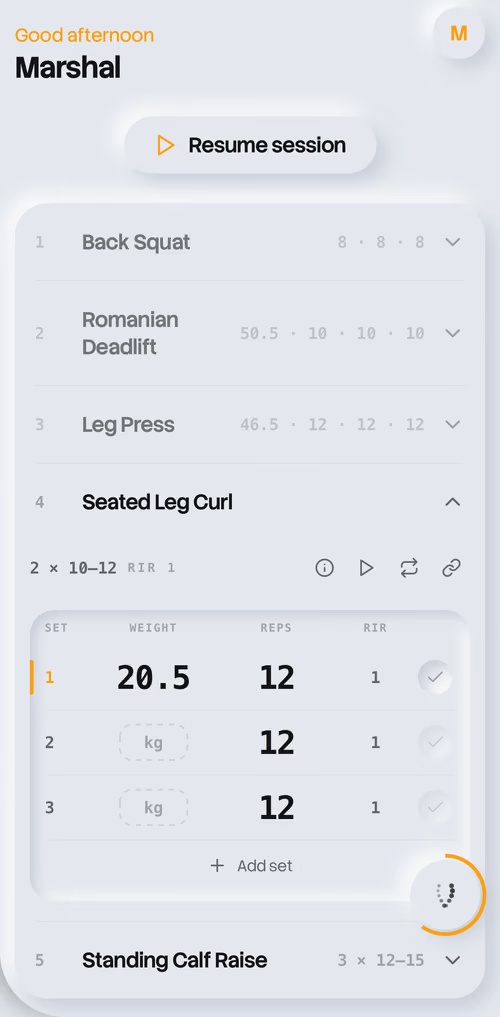
Included with Forge Pro, live coaching compares your logged weight, reps, and effort with your plan. When it notices a clear mismatch, the orb signals a short note between exercises—at most twice per workout. Approve an adjustment to the remaining exercises, or keep your plan. Only exercises you haven’t started can change; logged sets stay untouched. Weight increases are capped at two plate steps and reductions at 20%. An easier session won’t count against your progress. You can turn live coaching off in Settings → Training. Forge Plus allows one live check-in per rolling seven days.
What this means for your training
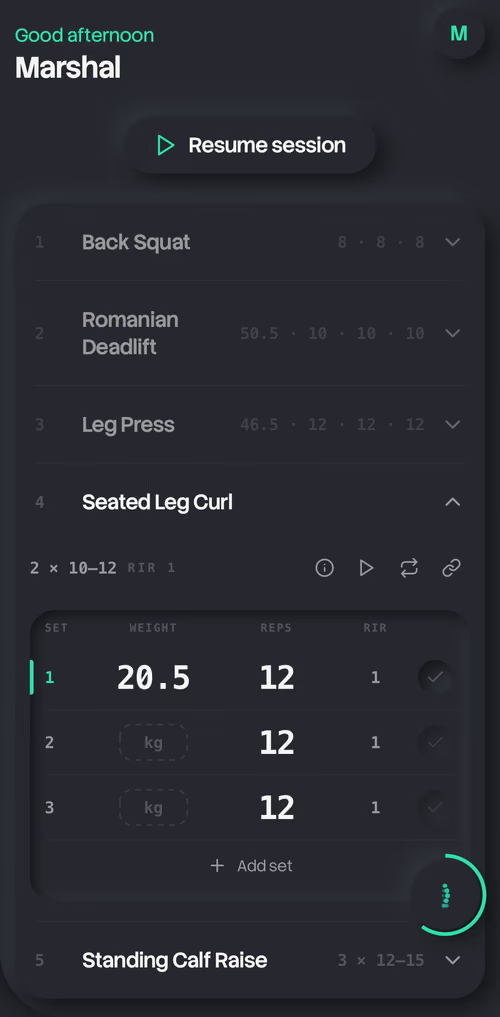
If you log sets that feel harder than planned, Forge Pro can flag the mismatch between exercises and offer a change to the work ahead. You can accept or keep the plan. It does not rewrite completed sets. The example screen shows the logged targets and results that inform coaching, not an in-app message from your coach. Forge uses the performance you enter; it does not watch your movement through a camera or assess your exercise form.
How do I start or change today’s workout?
Tap to begin your workout. Need something different? Press and hold to ask your coach—“I’m tired, make it easier.” Log your sets, and Forge prepares your next session after you finish.
What can I try for free?
Setup and program creation are free. You can manually log and complete your first workout for free; further workouts and continued coaching require a subscription.